
Attendance that people actually use.
Capture should take one action, and only exceptions should need explaining. Clock-ins, shift swaps and overtime land on the payroll run as they happen.
Capabilities
Built for how your teams actually work
Multiple capture methods on one record
Biometric terminals for fixed sites, geofenced mobile for field teams, and self-service with approval for salaried staff. Most companies need more than one.
Shift scheduling and swaps
Rosters published in advance, swaps recorded before the shift rather than agreed verbally, so the roster stays evidence of what happened.
Overtime rules applied automatically
Thresholds, multipliers and rest-day rates applied per entity, with public holidays interacting correctly instead of being handled by memory.
Exceptions surfaced, not buried
Late arrivals with reasons, missing punches and overtime well above someone's own average are flagged for review with enough context to decide in seconds.
In the product
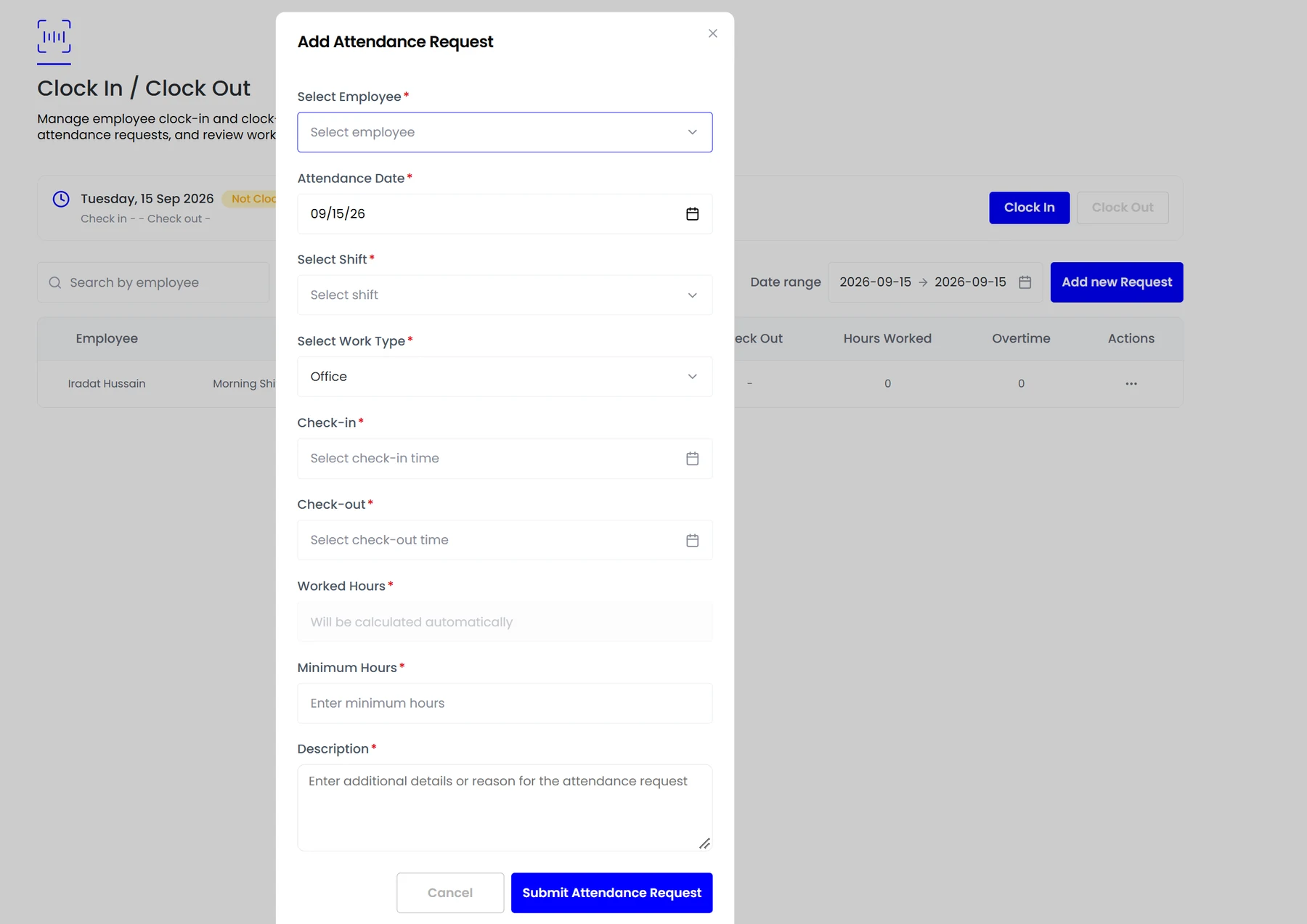
Clock-ins, shifts and attendance corrections on one screen, with hours calculated automatically.
Ask any HR lead where payroll disputes come from and the answer is almost always attendance. Not because tracking is technically hard, but because the record that reaches payroll is usually a reconstruction assembled from a spreadsheet, a door log and a group chat.
- Multiple capture methods on one record
- Shift scheduling and swaps
- Overtime rules applied automatically
- Exceptions surfaced, not buried
How it fits together
Choosing a capture method that people will actually use
There is no universally correct way to capture attendance. There is a correct method per working pattern, and most companies of any size need more than one running at the same time.
- Fixed sites
- Field and multi-site teams
- Salaried and hybrid staff
Attendance
One tap to clock in
Attendance systems fail when complying with them costs more than ignoring them. Teamio keeps capture to a single action and routes only the exceptions to a human.
- Approved hours feed the payroll period with no re-keying.
- Leave decrements the same balance the employee sees.
- Corrections carry an audit trail of who changed what and when.

By the numbers
What it looks like in practice
Every manual hop between attendance and payroll is a place where hours get rounded, exceptions get dropped and a dispute gets created. If an employee cannot see how their hours became their payslip, you do not have an attendance system, you have a disagreement waiting to happen.
1 tap
To clock in from any device
3
Capture methods on one record
Live
Overtime flagged as it accrues
0
Hours re-keyed into payroll
In practice
A week of exceptions
The ordinary day needs no attention. These are the cases that decide whether the data is trustworthy.
A late arrival with a reason
Captured with the reason attached, measured against the grace period on that shift rather than a company-wide tolerance, and visible to the manager without a conversation.
A swapped shift
Recorded before it happens, so the roster remains evidence of who actually worked rather than who was originally scheduled.
A missing punch
Flagged as an exception rather than silently defaulting to a full day, with a correction that carries an audit trail of who changed it.
Overtime above baseline
Compared against that person's own six-month average, not a company average, because the individual baseline is what makes the figure meaningful.
A public holiday mid-roster
Interacts correctly with the overtime multiplier for that location, rather than being handled by whoever runs payroll remembering it.
Compared
Where attendance data goes wrong
Almost every payroll dispute traces back to one of these gaps rather than to a calculation error.
What changes
From clock event to payslip, without retyping
Approved hours feed the payroll period with no re-keying.
Leave decrements the same balance the employee sees.
Corrections carry an audit trail of who changed what and when.
FAQ
Common questions
How do we handle staff without company email?
Employees can be set up with their own credentials without a company mailbox, which matters when a large share of a retail or site workforce does not have one.
Does attendance work offline?
Clock events captured on a phone are queued and submitted when the connection returns, with the original timestamp preserved rather than the time of upload.
How is overtime calculated across midnight?
A shift that crosses midnight is treated as one continuous span rather than two partial days, so night crews are not silently split across two payroll days.
Can we use more than one capture method at once?
Yes, and most companies of any size need to. A terminal at a fixed site, geofenced mobile for field teams and self-service for salaried staff all write to the same attendance record.
See it running on your own data.
We will show the module working against records that look like yours, not a generic demo.
Explore more
Time Off & Leave
One balance, visible to the employee and the manager, accruing by your policy and decrementing…
Payroll
Assembled from live records, checked against local rules, approved once.
Workforce Analytics
Attendance trends, absence, overtime and cost per head tracked in real time. Ask for any cut…